Countries over the globe are setting date when the landline phone system will end. A lot of people do not even remember using a traditional landline phone anymore. Every sign point to VoIP solution as the future voice communication. Regardless of this, some businesses are still
 |
| How To Set Up Business VoIP |
 |
| Check If Your Internet Is Fast Enough |
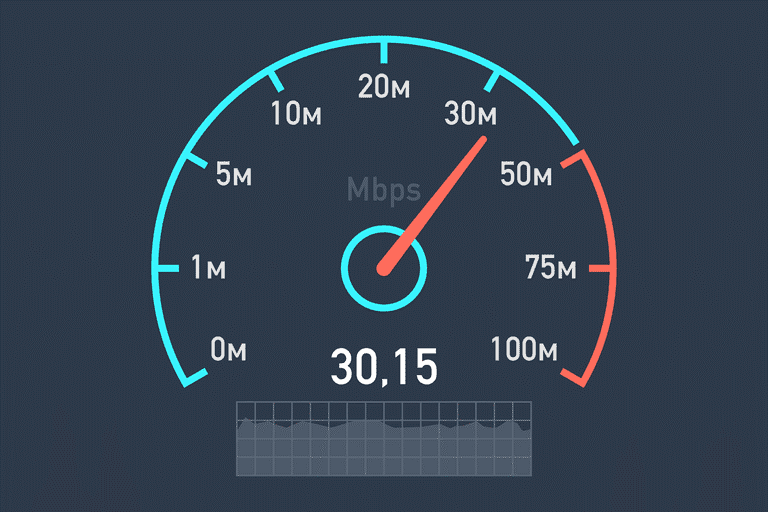
2. Check If Your Internet Is Fast Enough: after estimating the number of users, you need to be ready for testing your office broadband connection to check if it can manage the VoIP phone system. This step is essential for two reasons. First, assessing your internet connection before getting the VoIP phone system can save you a lot of frustration and headache which results from the poor call quality or dropped calls and insufficient internet connection. Second, it can possibly save you hassle and time. If you switch to the VoIP Phone Systemjust to discover that your internet connection is inadequate, then you would either have to cancel your VoIP service or you would have to go back to the phone you had, or you will need to upgrade your broadband connection in your workplace either of which can be actually be a hassle.
 |
| Set A Financial Budget For VoIP System |
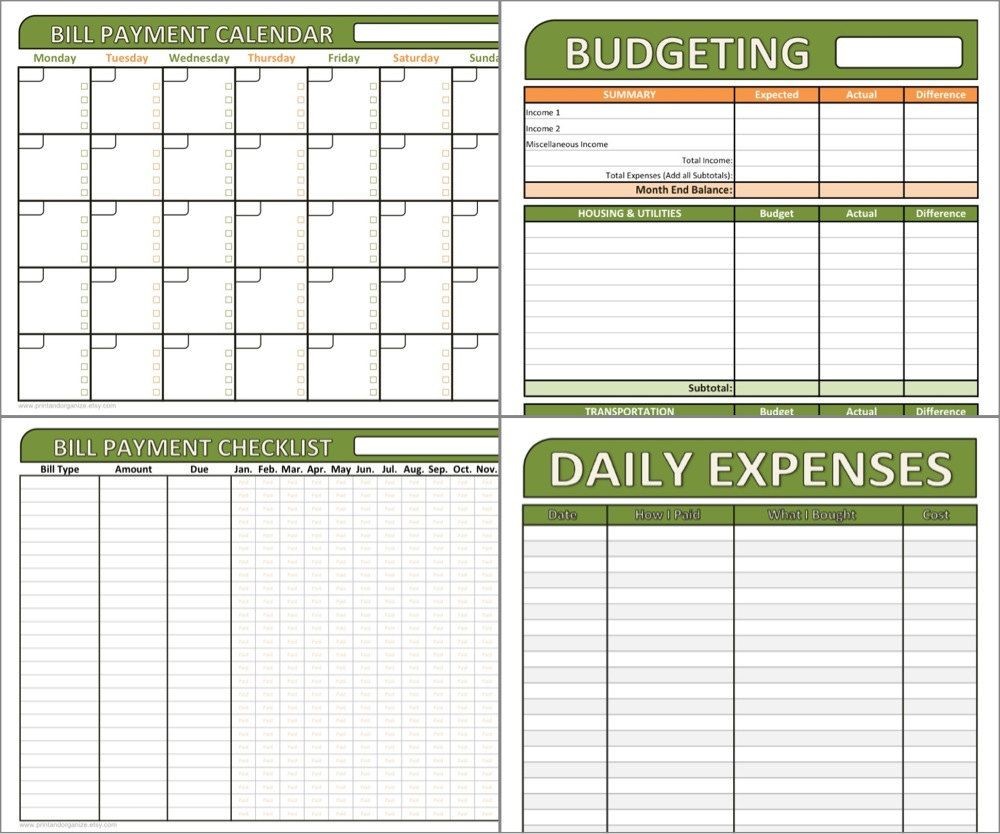
3. Set A Financial Budget For VoIP System: VoIP Phone services offer a variety of phone features and it is normal to get carried away when selecting different add-ons or bonuses which you can use. That is why you need to set aside a financial budget early in the course. It can help you be grounded, and it can ensure that your eyes do not get larger than your financial budget when you are looking through the features and subscription plans. It also ensures that you select the right fit for your office. Generally, the cost of VoIP plans can be £15 per user to around £40 to £50 per user for premium plans. However, in some cases, you can pay annually, and you will get a lot of monthly cost savings.
 |
| Decide On Which VoIP Features Are Important For You |
4. Decide On Which VoIP Features Are Important For You: with VoIP, there is a wide range of features available like unique numbers for every employee, call rules, and auto call router, mobile apps, conference calling and much more. You will have to figure out which features will be most helpful and useful for your office. For instance, probably, you will want a site-based VoIP phone services for your business, but your work keeps you on the move a lot. In that case, you will need a great mobile application. Might be that you are getting a phone system with over 10 phone lines. In such case, you need in-depth call routing rules.
- Specifically write down why you need to get an office phone system along with what you wish to achieve and what is the primary use of this phone system such as conference calling, calling out, calling while travelling, etc.
- You need to do some research on what type of VoIP features directly related to your uses and need.
- Create two lists: one with the features that you must have and the other one with the features which you would like to have but you don’t absolutely need.
- When you begin to select your VoIP service provider these two lists which you create will help you in the selection procedure and can help you be more efficient and Quicker.
 |
| Select A VoIP Service |
5. Select A VoIP Service: finally, it is the time to choose your VoIP service provider. Before the final decision, you have to make sure that you have your definite users’ number, a financial budget and the feature list which can come convenient for reference. When making a final decision you need to compare VoIP providers and find the solution which suits your business needs.
- Select a VoIP provider which offers the features that you need. You must prioritise your list however how you can also take the ‘like list’ into account as well.
- Make sure that the provider works for what you require. You need to read user reviews for the provider. Having a mobile application is great however if the application works poorly and the call drops routinely then it is not going to be a lot of help for you.
- It is easy for you to use the selected VoIP system. This point is self-explanatory
- The selected phone system is in your budget. You need to take in account your monthly budget and divide it by the number of users. You might need to bend a little bit one way, or other since your finances change however that should give few a per-user estimation, to begin with.
- The selected VoIP provider has good customer service. Having Good customer service is important for VoIP since the phone systems are not installed or serviced professionally. You need to figure out things on your own which makes professional and prompt customer service very important.
 |
| Order The Phone And Other Hardware |
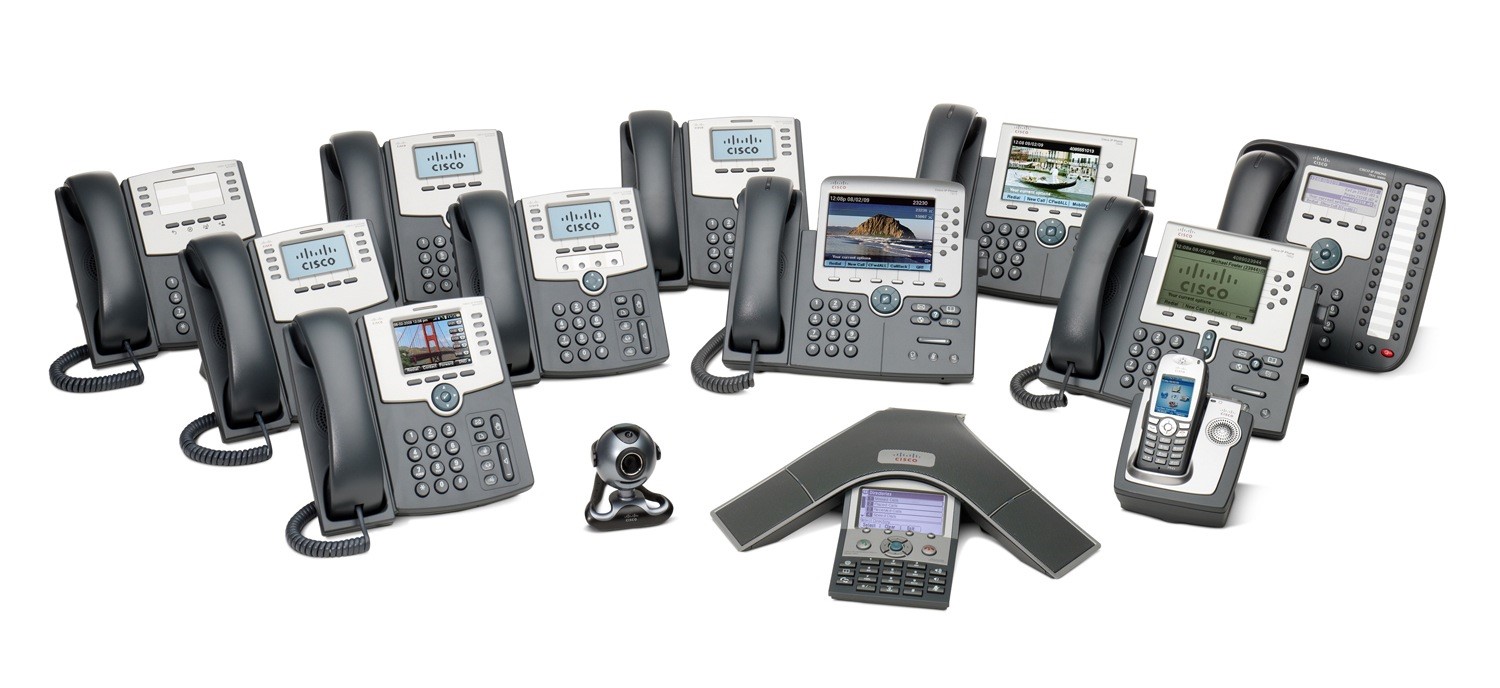
6. Order The Phone And Other Hardware: After you have settled on the VoIP service which you need, it is then time to order the hardware. Majority of VoIP phone services can be employed without a special IP phone. For instance, often you can buy an adaptor which you can plug into your analogue phone if you wish to continue using those. Or you can also use your desktop, mobile phone or Tablet. But to completely utilize all the additional VoIP phone features you might have to buy an IP phone. The good thing is that there is a wide range of IP phones available in the market from basic and inexpensive to sophisticated and costly.
 |
| Set Up And Configure The VoIP Phone System |
7. Set Up And Configure The VoIP Phone System: In the majority of cases, you just have to plug in your telephone into your Ethernet system and then configure your settings on the phone and you are ready to go. However, if you have a Firewall then you may need to go back and forth with your service provider, so you can get things to work correctly. If you are good with technology, then you will be able to manage most of the VoIP setup. To make things easiest every VoIP provider offers an in-depth tutorial. If you are not tech-savvy, then it would be better for you to go with a VoIP provider that can walk you through the VoIP setup procedure step by step over the phone.
 My Gear Tech Blog